
This tutorial assumes you are already logged in to your Joomla admin panel
The banners component allows you to display random images on your Joomla site. This is especially useful for ads
1) Click Components
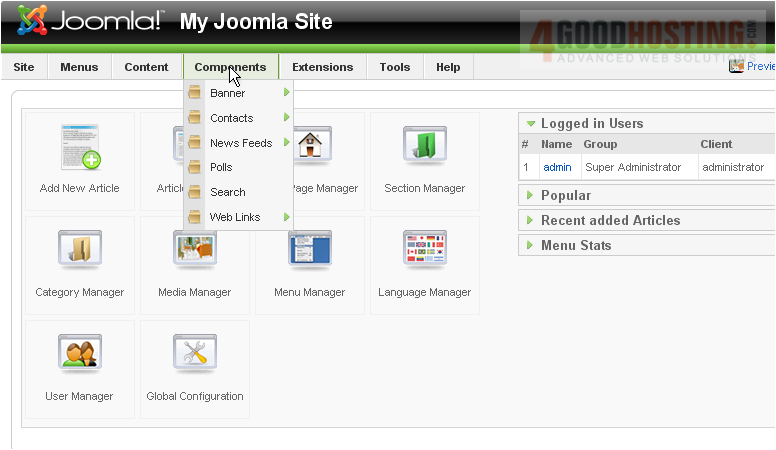
2) Then go to Banners
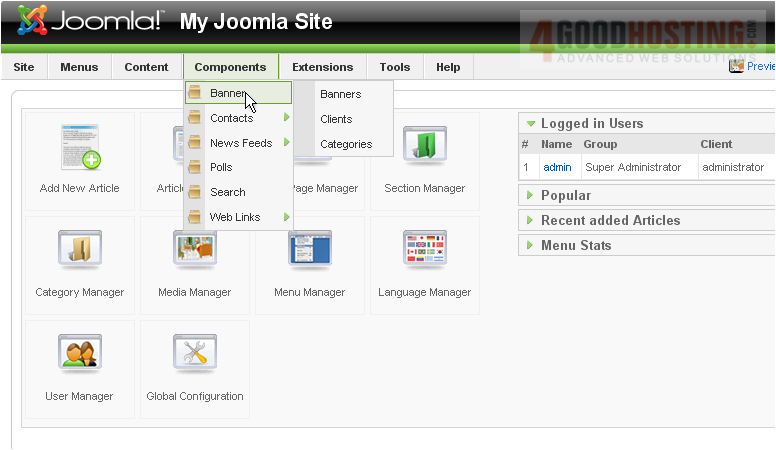
3) Then Categories
We first need to create a category for our banners
Scroll right
4) Click New
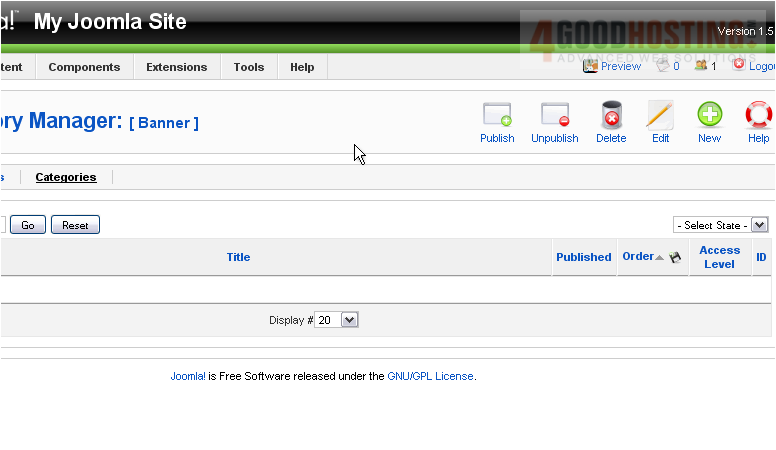
5) Enter a Title

6) Click Save
Now we'll add a client
7) Go to the Clients tab
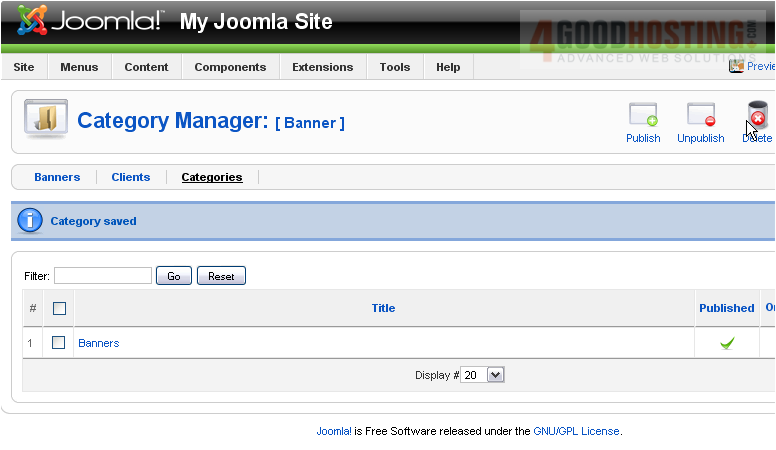
Scroll right
8) Click New
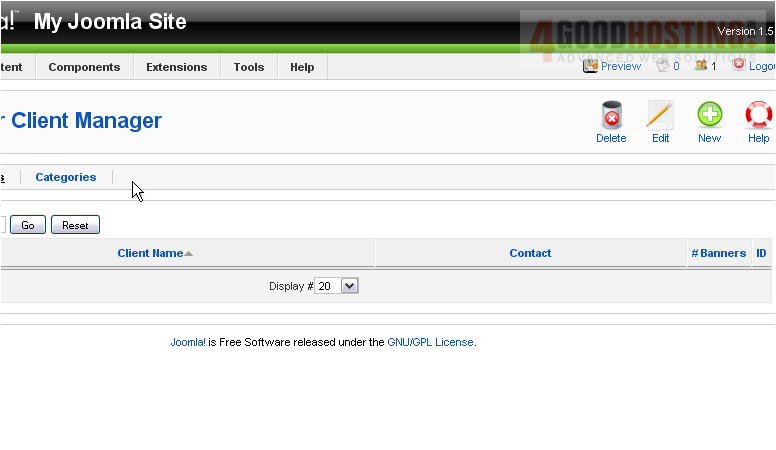
9) Enter the name of the business, organisation, or individual that this banner will represent
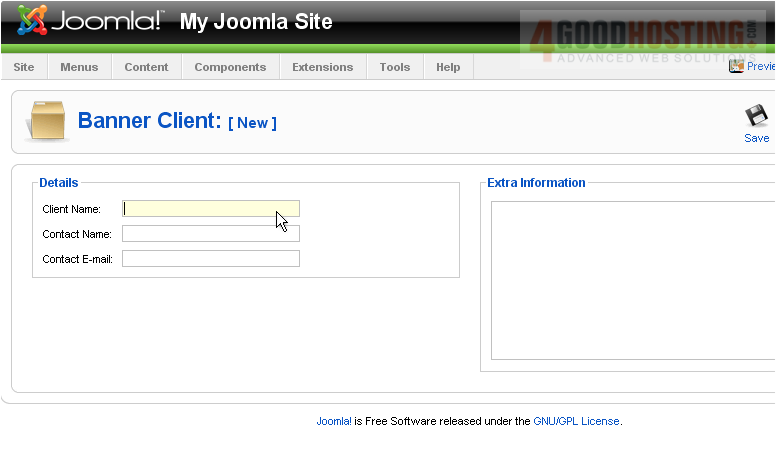
10) Enter the name that is the main point of contact for the business
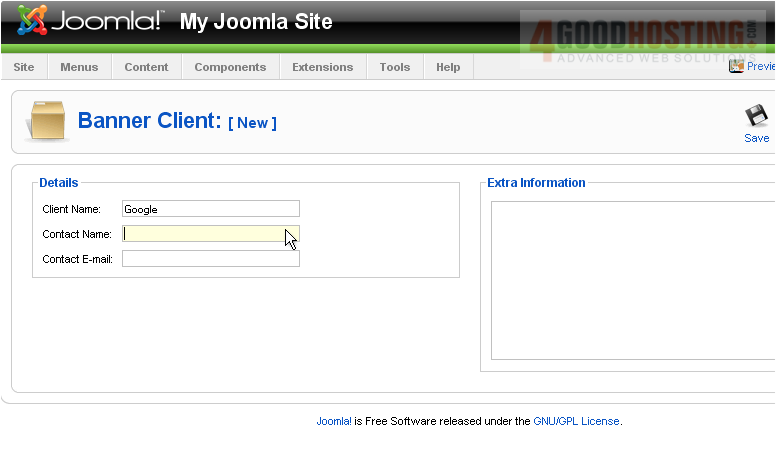
11) Type the contact's email address
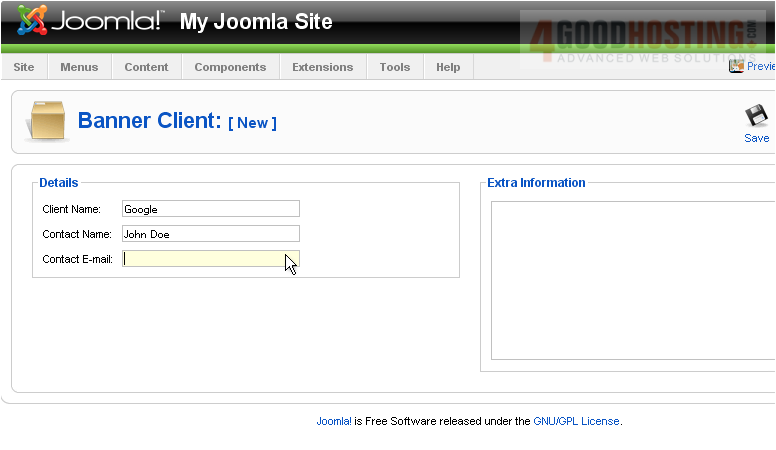
12) Click Save
Let's create the banner now
13) Click Banners
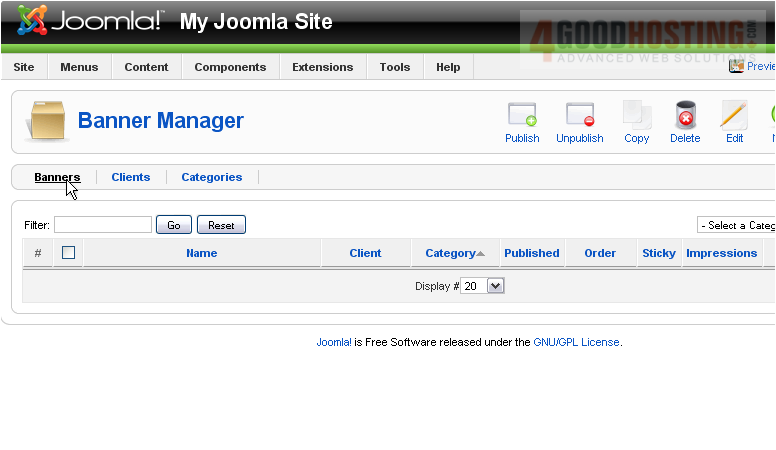
Scroll right
14) Click New
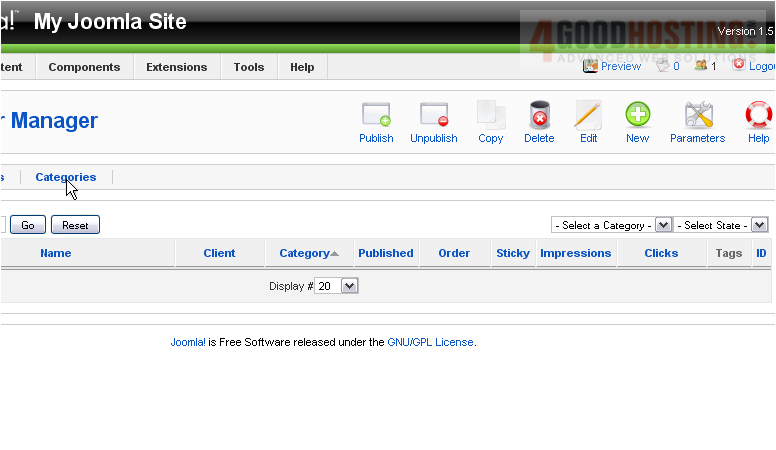
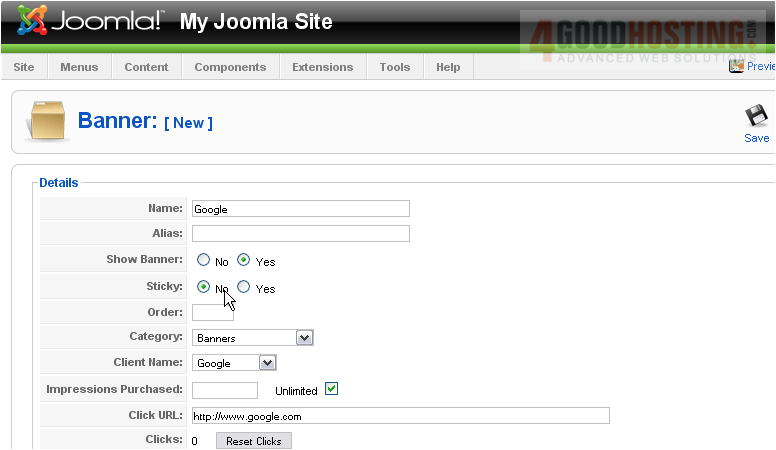
15) Enter a name for the banner
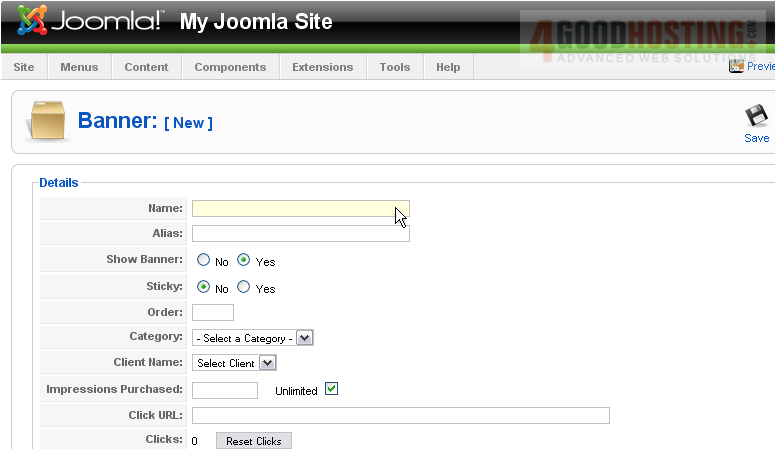
16) Select the category this banner belongs to
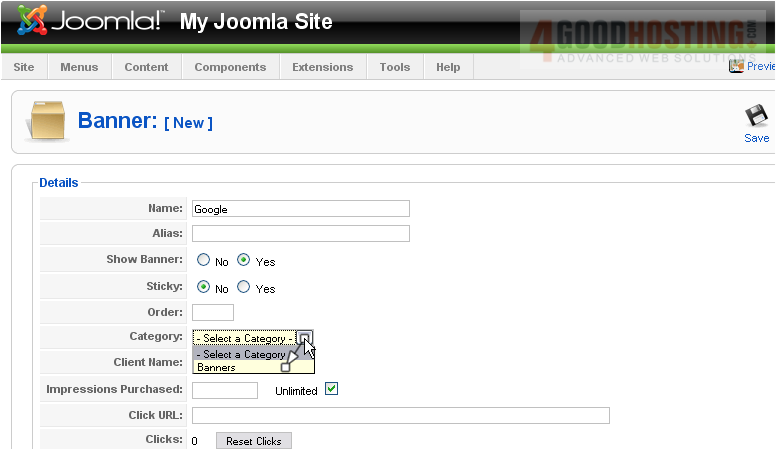
17) Choose the client
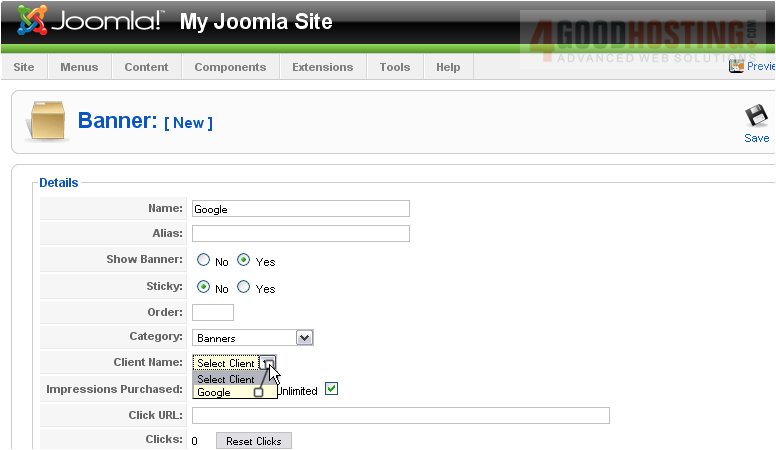
18) Type the URL the user will be directed to when they click the banner
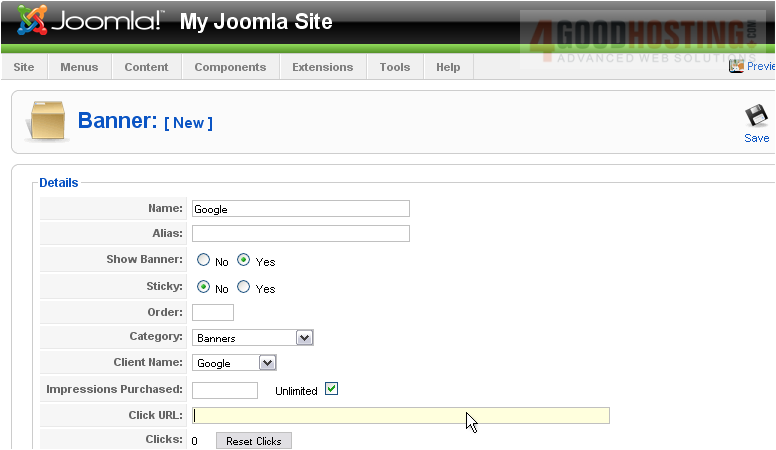
Scroll down
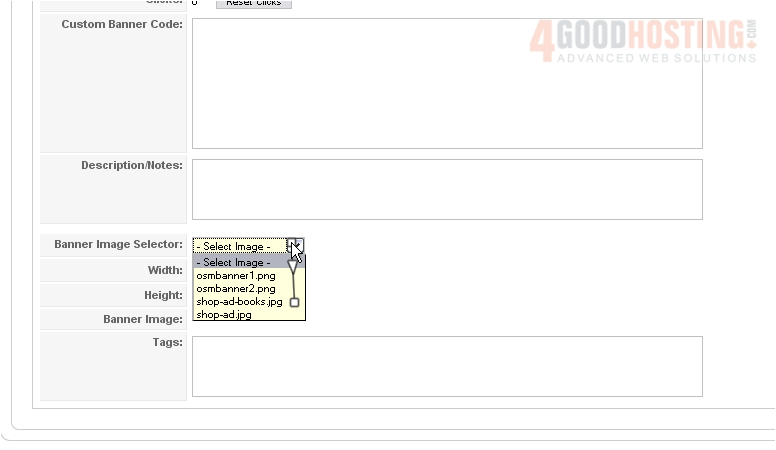
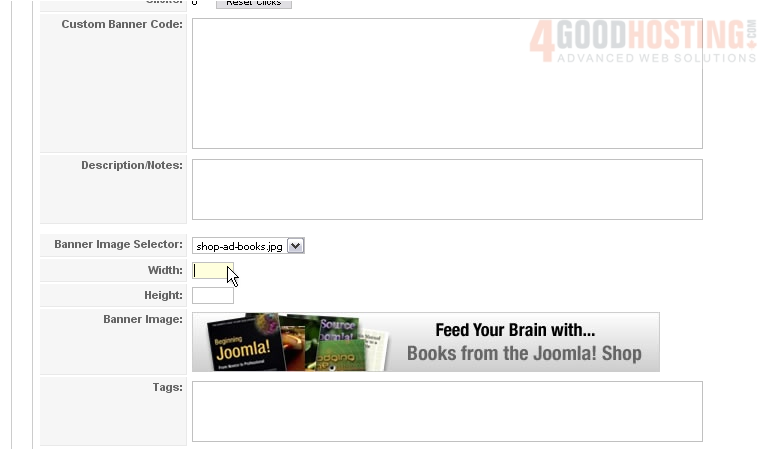
19) Choose the image that will be displayed
20) Enter the width and height
Scroll up
21) Click Save
Now we need to create a module to display our banner on the front-end
22) Go to the Module Manager
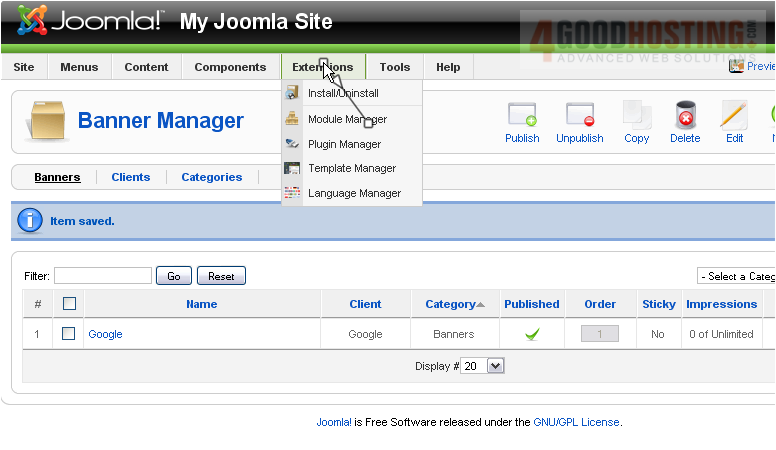
Scroll right
23) Click New

24) Select Banner
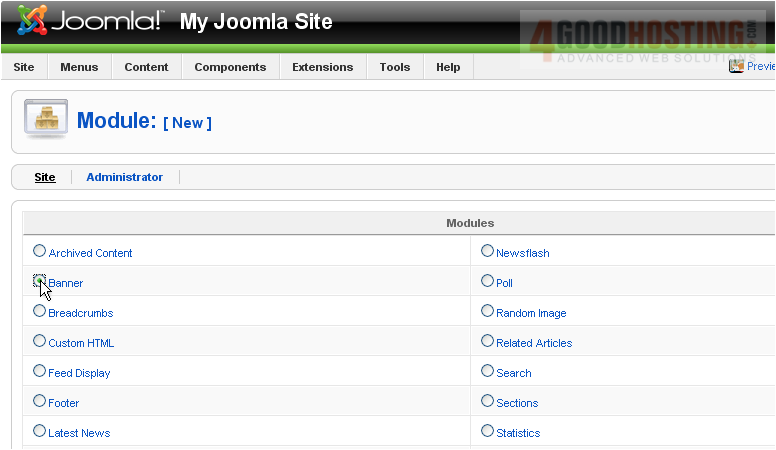
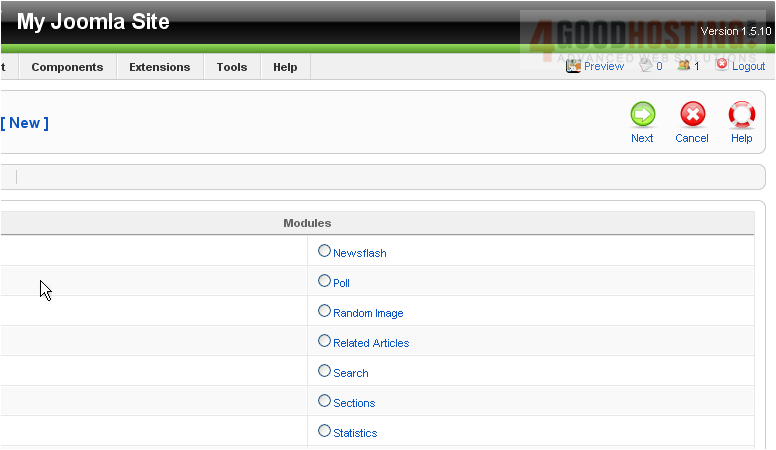
25) Click Next
26) Enter a Title
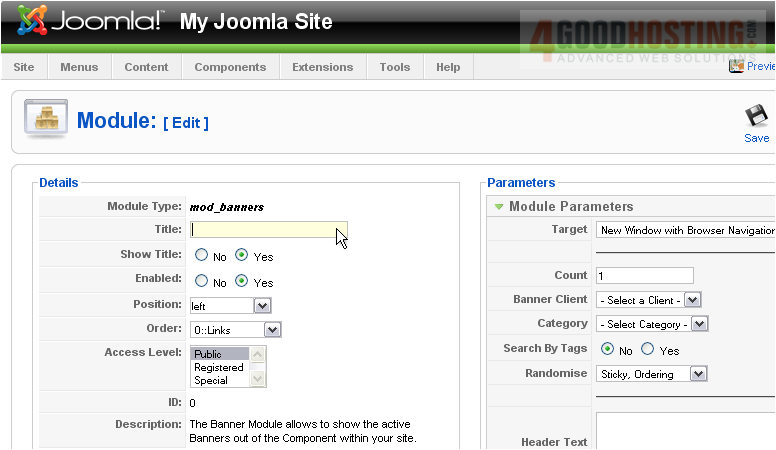
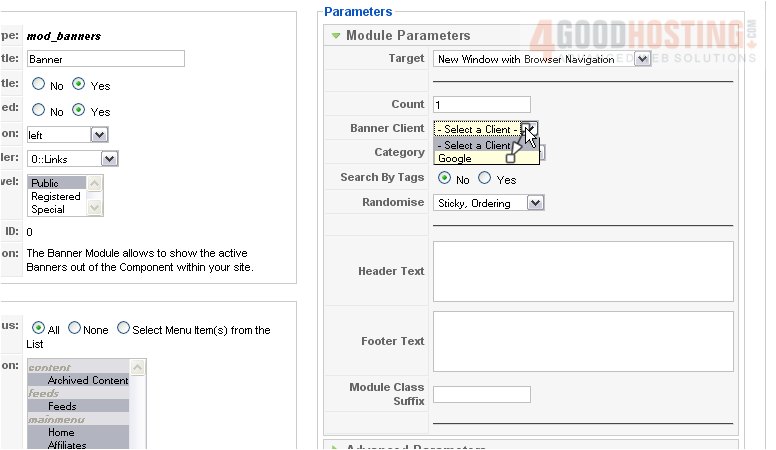
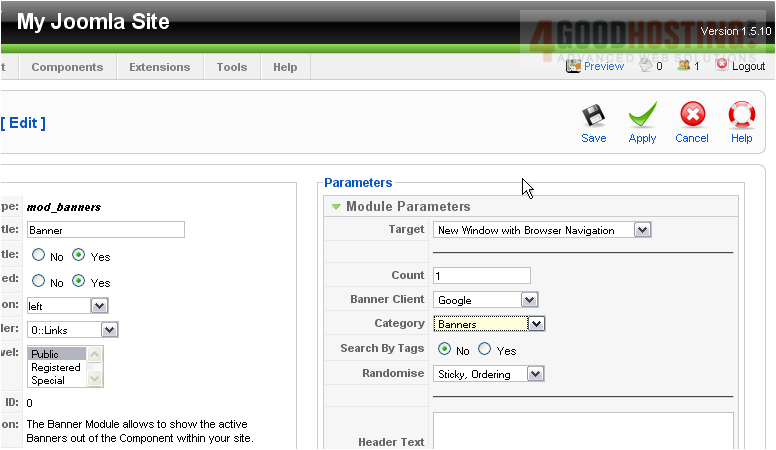
27) Select the client and category we created
28) Click Save
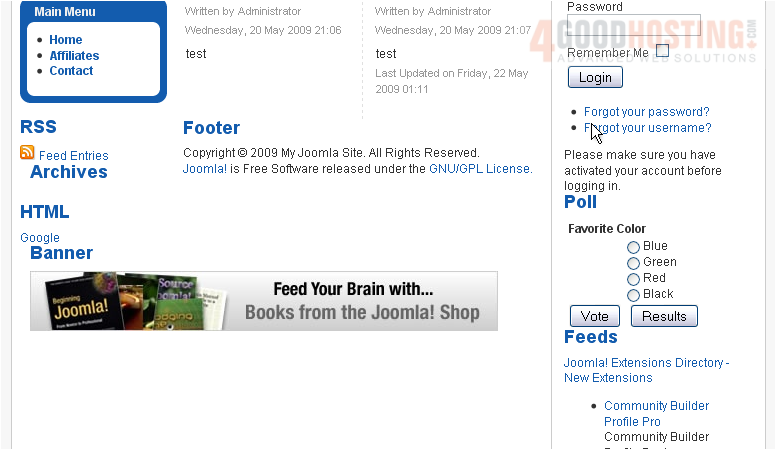
Let's view the banner on our Joomla site
The banner is displayed here
That's it! You now know how to manage banners in Joomla

 WGS AI Assistant