
This tutorial assumes you've already launched the Fantastico application
Now let's learn how to install Nucleus
1) Click the Nucleus link here
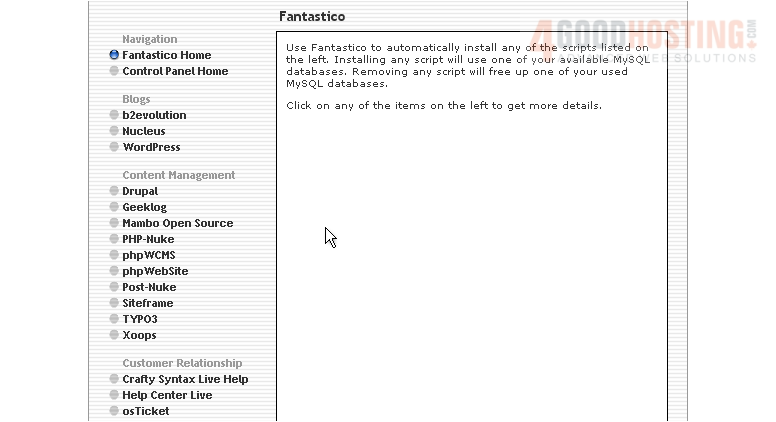
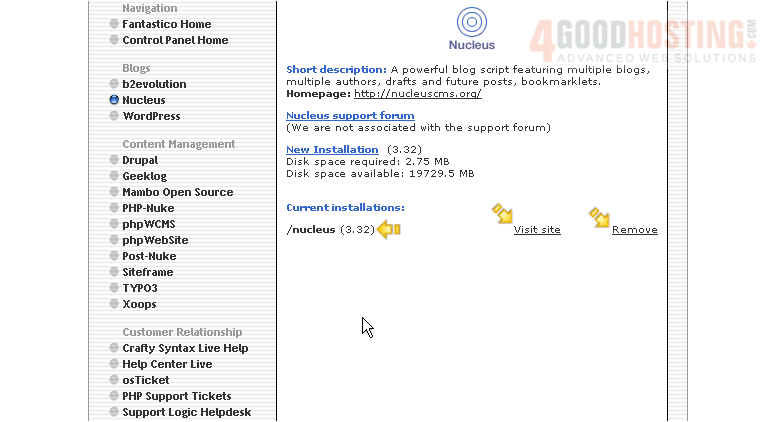
This is the Nucleus installation screen
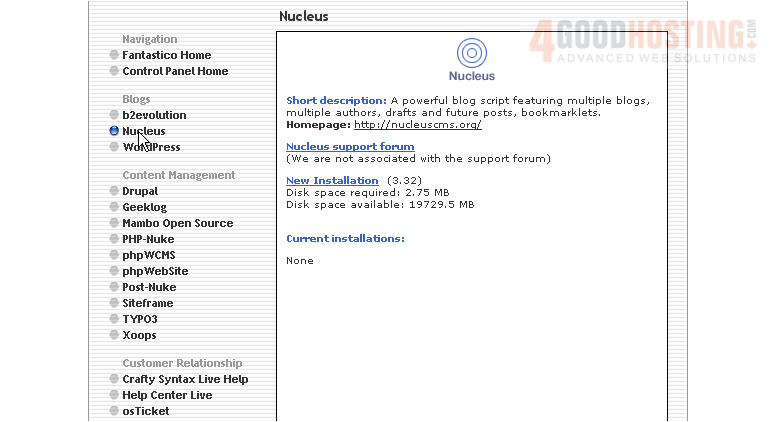
Nucleus is a powerful blog script featuring multiple blogs, multiple authors, drafts and future posts, and bookmarklets
2) Click the New Installation link here
3) Enter the name of the directory you want to install in... or leave this field blank for installation in the root directory
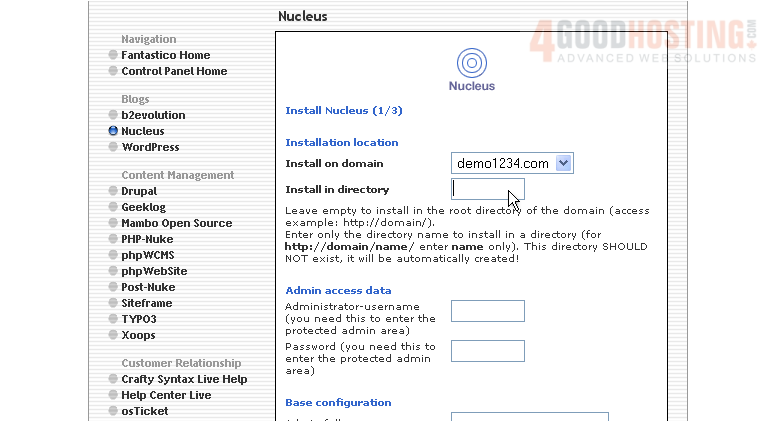
4) Enter an admin username and password in the following boxes
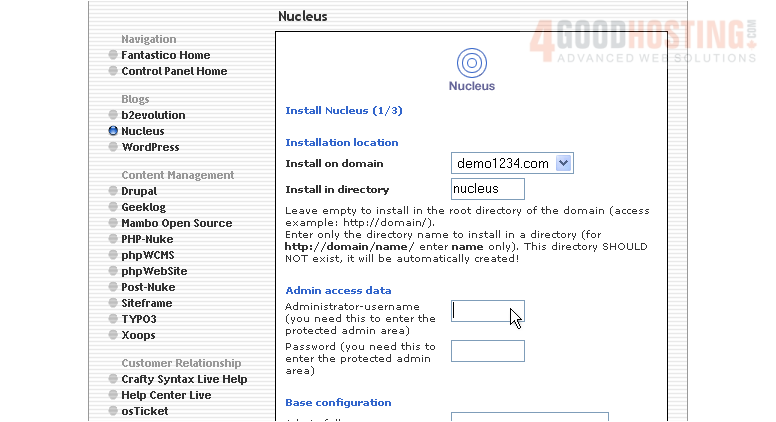
5) Enter the admin's full name here
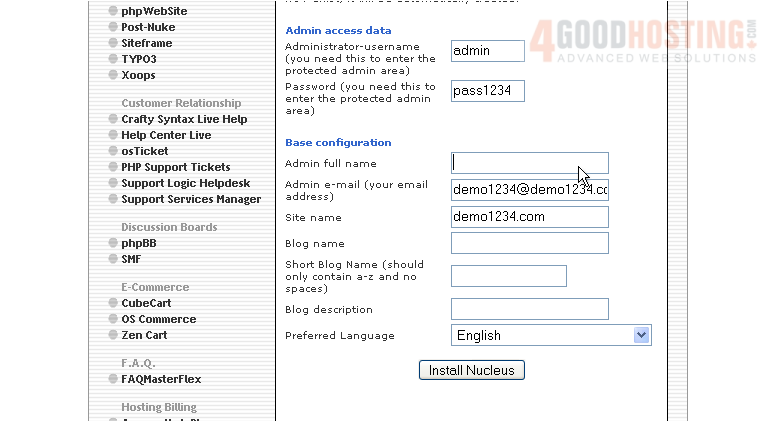
6) Then enter an admin email address
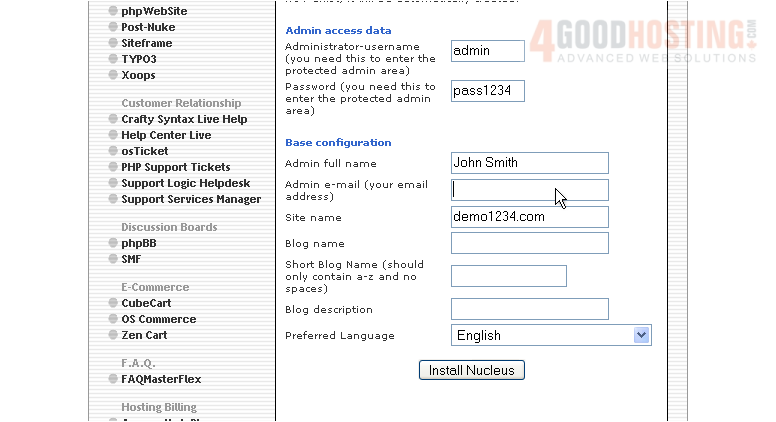
7) Enter a name for the Blog here
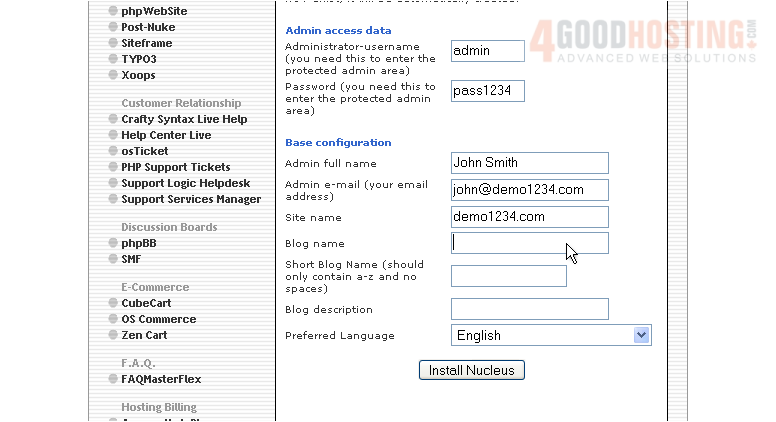
8) Then enter a short Blog name
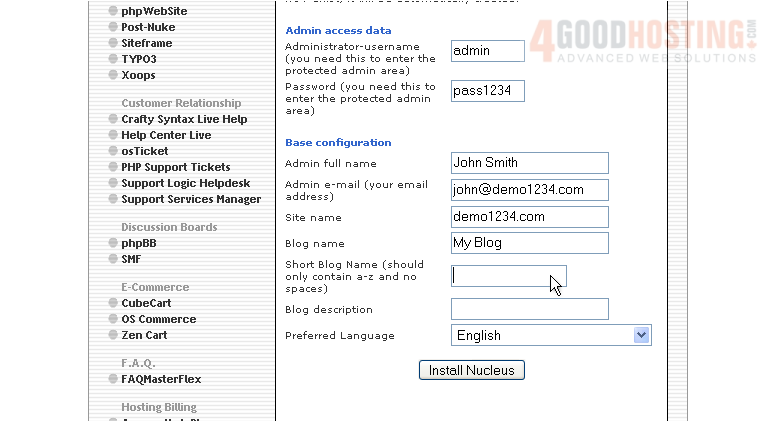
9) Finally, enter a description for your Blog
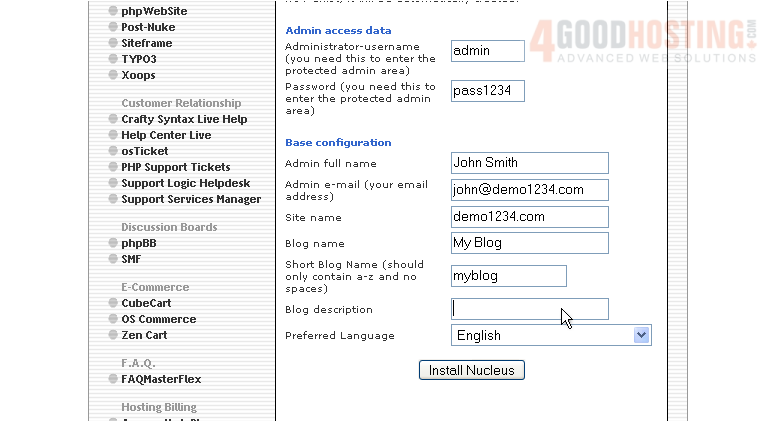
10) When ready, click here to install
11) Click here to finish the installation
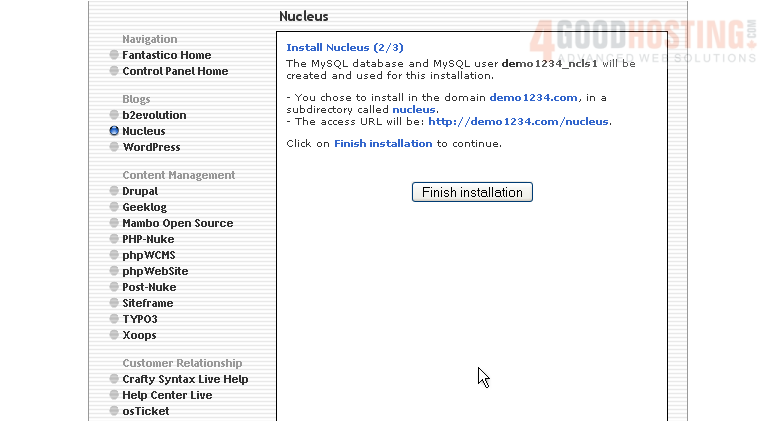
12) Click here to login to your new installation
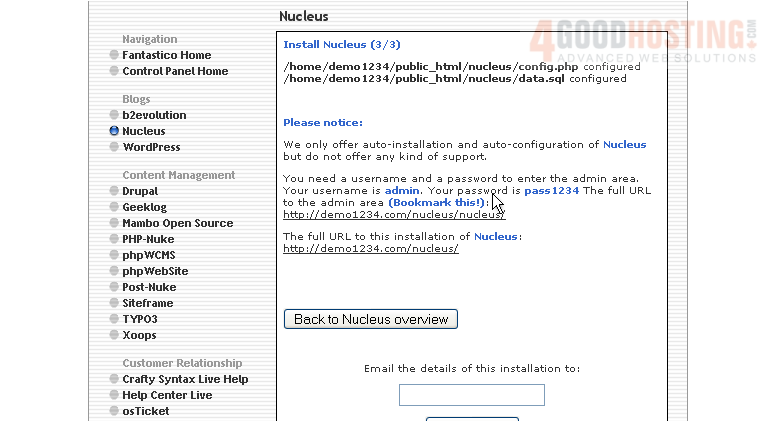
That's it! Nucleus has been successfully installed in your account, and is ready for you to start configuring it
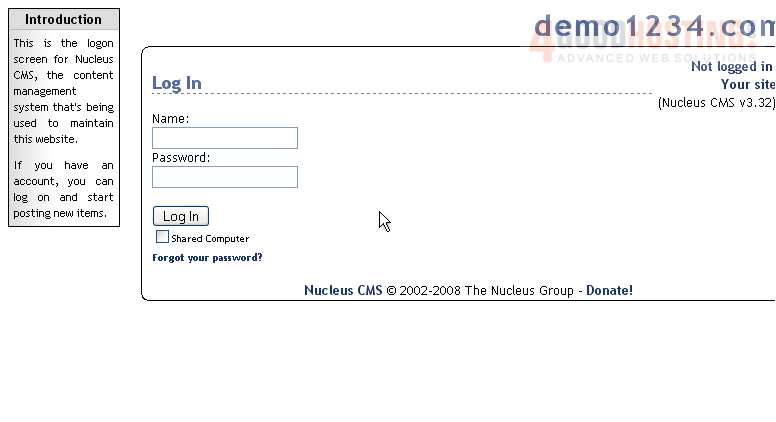
13) Login using the admin username and password you assigned during installation
Your new installation is now listed here on the script's home page. From here you can visit the site by clicking here... or remove the script from your account by clicking here
This is the end of the tutorial. You now know how to install Nucleus to your account from within Fantastico

 WGS AI Assistant