
This tutorial assumes you've already logged in to WHMCS
Now let's learn how to review our hosting packages
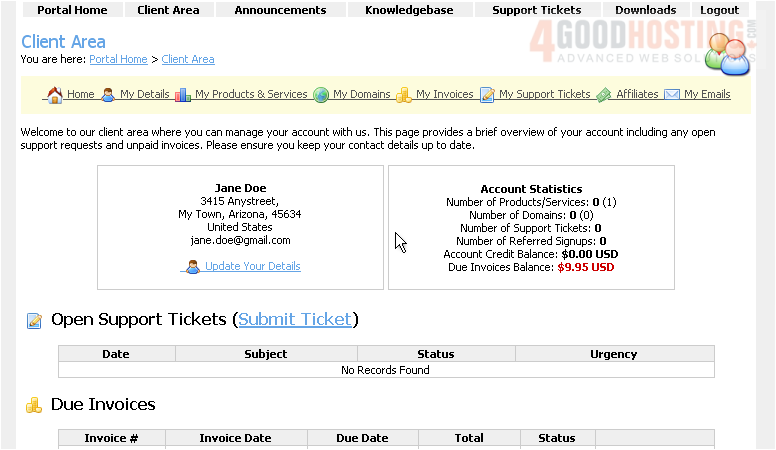
1) Click the My Products & Services link
This is the Hosting Packages page where we can view all of our packages and options
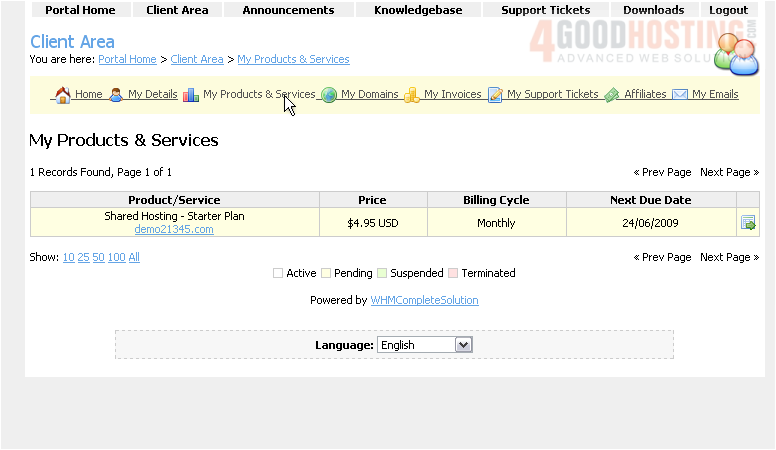
2) Click View Details
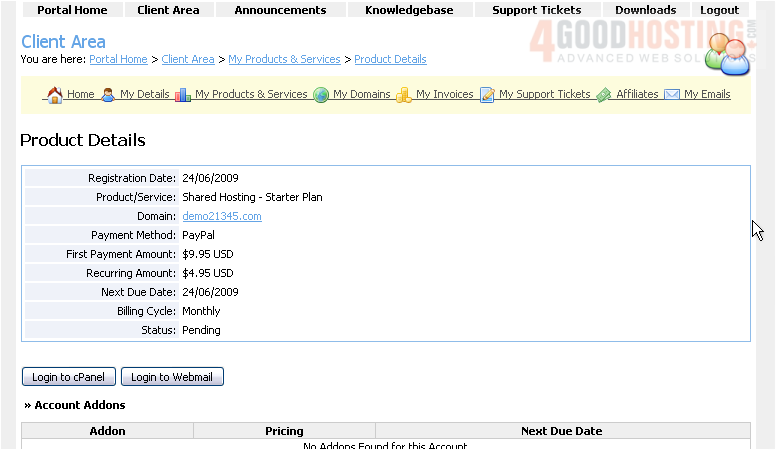
This page displays the details of our Starter package
If we ever want to cancel this service, we can do so by clicking the Request Cancellation button here
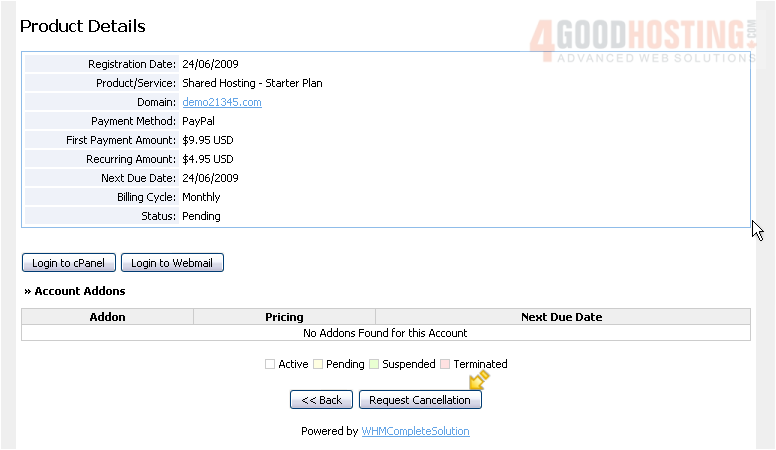
3) Click Back
4) Click the Client Area link
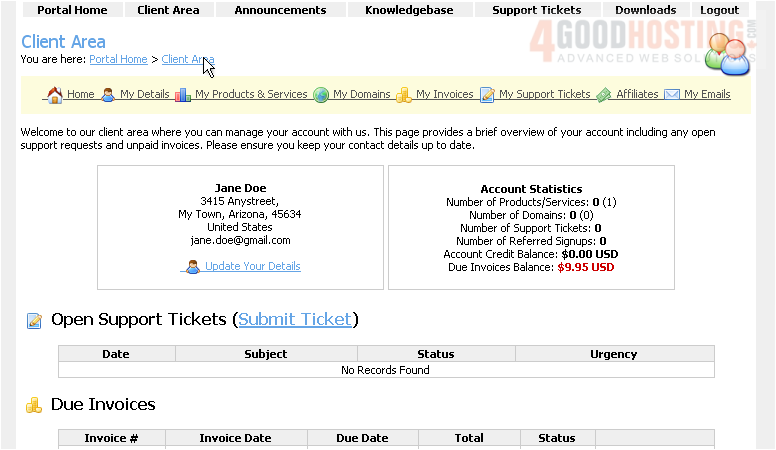
This is the end of the tutorial. You now know how to review your hosting packages in WHMCS

 WGS AI Assistant