
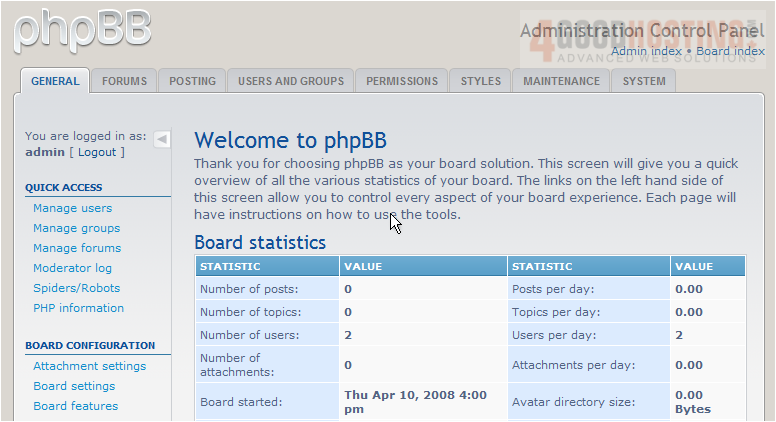
This tutorial assumes you've already logged in to phpBB
Now let's learn how to create a forum
1) Click Forums
2) Enter the name of the new forum here
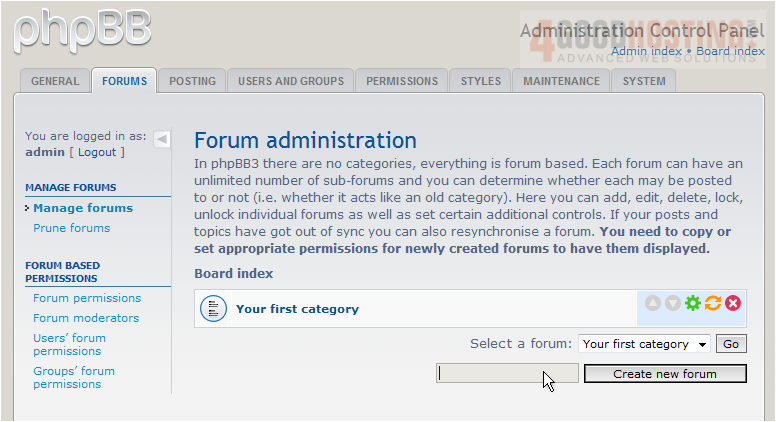
3) Click Create new forum
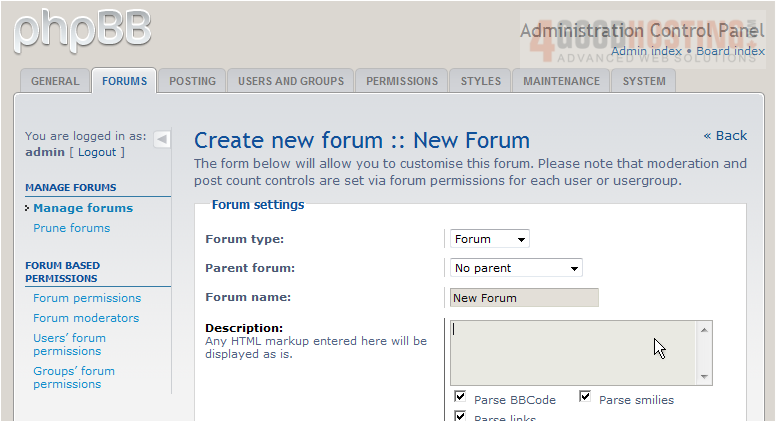
4) Enter a description for the new forum here
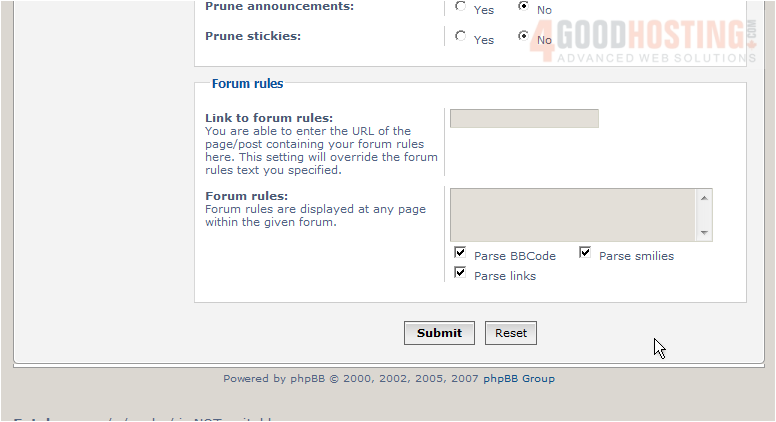
5) Click Submit
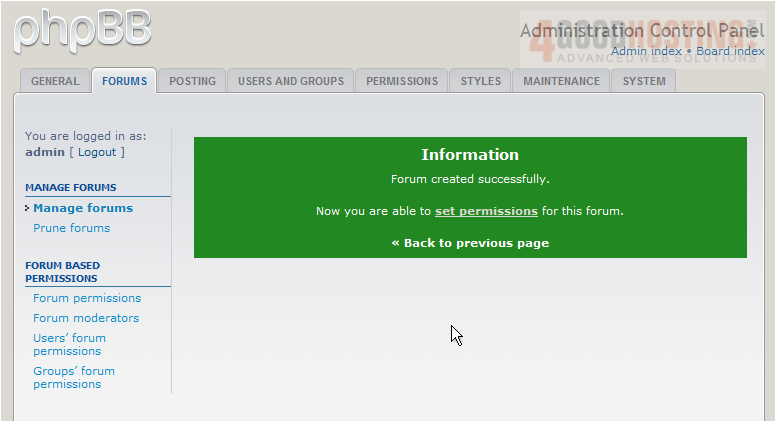
That's it! The forum has been successfully created
The new forum is listed here

This is the end of the tutorial. You now know how to create a forum in phpBB

 WGS AI Assistant